
Searching Cases by Name
The Newton Clerk’s CMWebSearch is the practical public index for Superior civil and criminal cases. Accept the landing conditions, continue as a guest, and choose Party Name. Enter a person as last name followed by first name, omit suffixes, and provide at least two letters. A company may be entered as a business phrase. Broad searches help when a filing year is uncertain, while court, division, filing-date, and status filters can reduce a long result set.
- Open the official CMWebSearch landing page and accept its conditions.
- Continue as Guest, then select the Party Name search.
- Enter the last name first. Try a spelling variation if needed.
- Apply court, division, date, or status filters only when useful.
- Open a likely match and save its case number and filing details.
| Field Label | Type | Required | Notes |
|---|---|---|---|
| Party Name | Text | Yes | Last name then first name; two-letter minimum |
| Court Code | Dropdown | No | Exact options require live review |
| Court Division | Dropdown | No | Use only when the division is known |
| Filing Date From / To | Date | No | Limits by filing date, not hearing date |
| Case Status | Dropdown | No | Displayed options may change |
Newton CMWebSearch Access Layers
The Clerk’s case-search instructions distinguish a free index search from document-image access. Guests may search and inspect index details. Valid account holders must receive Clerk staff approval before images become available. The guide also describes account funding, a print cart, and a Proceedings tab. An image printed without a watermark must be placed in the cart, paid for, and saved or printed within 30 days.
The official case-search page provides a clear view of that access boundary. Its portal instructions are the source for the image below.
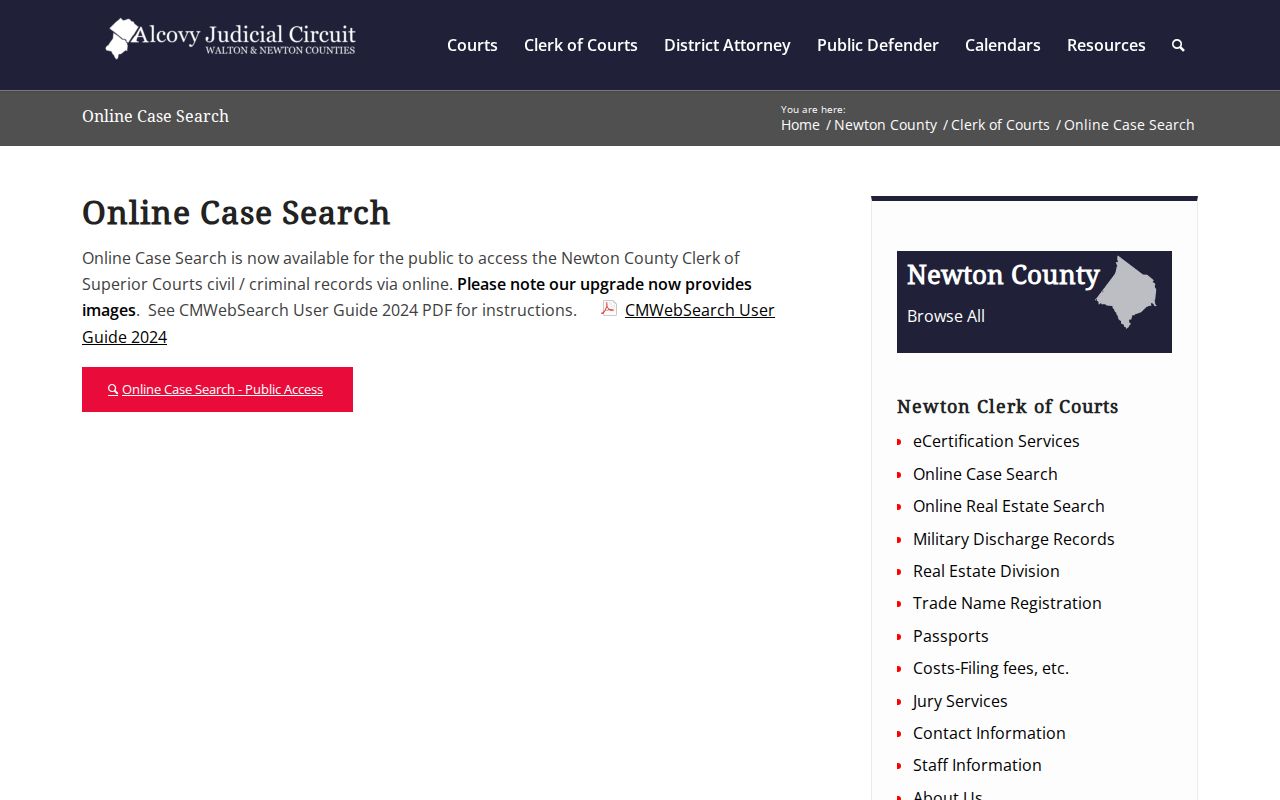
The captured notice helps explain why finding an index entry does not guarantee a free document download. The unknown per-image price should be confirmed before funding an account.
Searching by Case Number
The case-number route requires the exact identifier. Newton’s official public instructions do not publish a pattern, so no year, division, or sequence format should be guessed. Copy the number from a notice, pleading, receipt, or party-name result exactly. Preserve letters, punctuation, and leading zeros. If the search fails, return to the name route or give the Clerk the number as printed.
Key point: An exact Newton case number is a search value, but its format is not documented publicly enough to decode reliably.
Newton Associated Party Search
An attorney, prosecutor, or other indexed participant can be searched through the associated-party route. The form uses an Associated Party Name with optional court, division, and filing-date filters. The official guide also describes a Print Index action. This route can help when the case caption is unknown but a professional connected to the matter is known.
Associated-party results still need case-level review. A name match does not prove a person’s role in every result. Save the case number, open the detail, and confirm the indexed relationship before relying on it.
What a Case Search Returns
A Newton County result can show the case number, party or caption, filing date, court or division, and status. Selecting a case opens more detail. The Proceedings tab is the chronological layer and may list a filing, hearing, order, disposition, or another event. An image link may appear for an approved account, but the public index is not necessarily the whole file.
| Case Number | The court’s exact identifier |
|---|---|
| Style / Parties | The indexed caption or participant names |
| Filed Date | When the case entered the court, not a hearing date |
| Court / Division | The court unit attached to the result |
| Status | The portal’s current category, subject to verification |
| Proceedings | Chronological entries and possible image controls |
When Newton Search Finds Nothing
A blank result can mean the spelling, court, date filter, or record channel is wrong. It does not prove that no matter exists. Remove optional filters, reverse any mistaken name order, and try a spelling variation. Then confirm whether the filing belongs to Superior Court. A Newton Probate traffic citation, Covington ticket, or another municipal case will not automatically appear in the Superior index.
If the record should be in Superior Court, contact the Clerk at 770-784-2035 or visit Room 338 of the Judge Horace J. Johnson, Jr. Judicial Center, 1132 Usher Street, Covington. Provide the spelling tried, approximate filing year, likely division, and any case number. The office is listed Monday through Friday, 8:00 a.m. to 4:45 p.m.
The CMWebSearch landing notice warns that accuracy is not guaranteed. That official warning appears in the following capture.
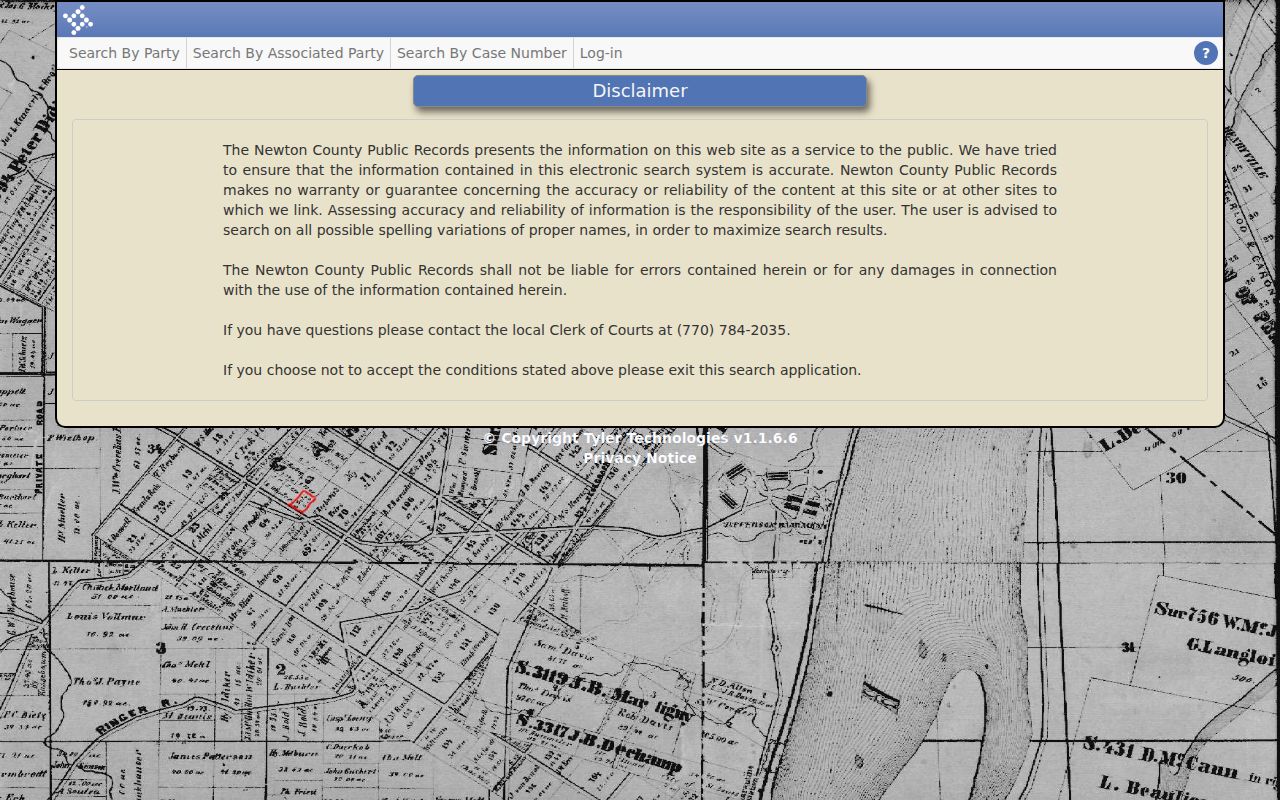
Verification with the Clerk is therefore part of a careful Newton County case search, especially when a current deadline or hearing depends on the result.
Statewide vs County Case Search
Georgia has no single public statewide portal that replaces Newton’s county index. Georgia Courts E-Access is a discovery and account directory. It helps identify providers used by participating courts, while CMWebSearch supplies the working Newton Superior index. A city citation must still be traced to the issuing municipal court, and federal cases must be searched through PACER.
| Georgia E-Access | Newton CMWebSearch |
|---|---|
| Provider discovery | Newton Superior civil and criminal index |
| Account-oriented directory | Guest index plus approved-account images |
| Not a unified Newton search | Best for a known Newton Superior matter |
Newton Login and Guest Paths
The account screen separates Login, Continue as Guest, and Create Account. Guest access is enough to begin a public index search. Account registration asks for contact details, a short user name, and a password that meets the displayed rules. Clerk approval is still required for images, so creating an account is not instant authorization.
The official account page is shown below.
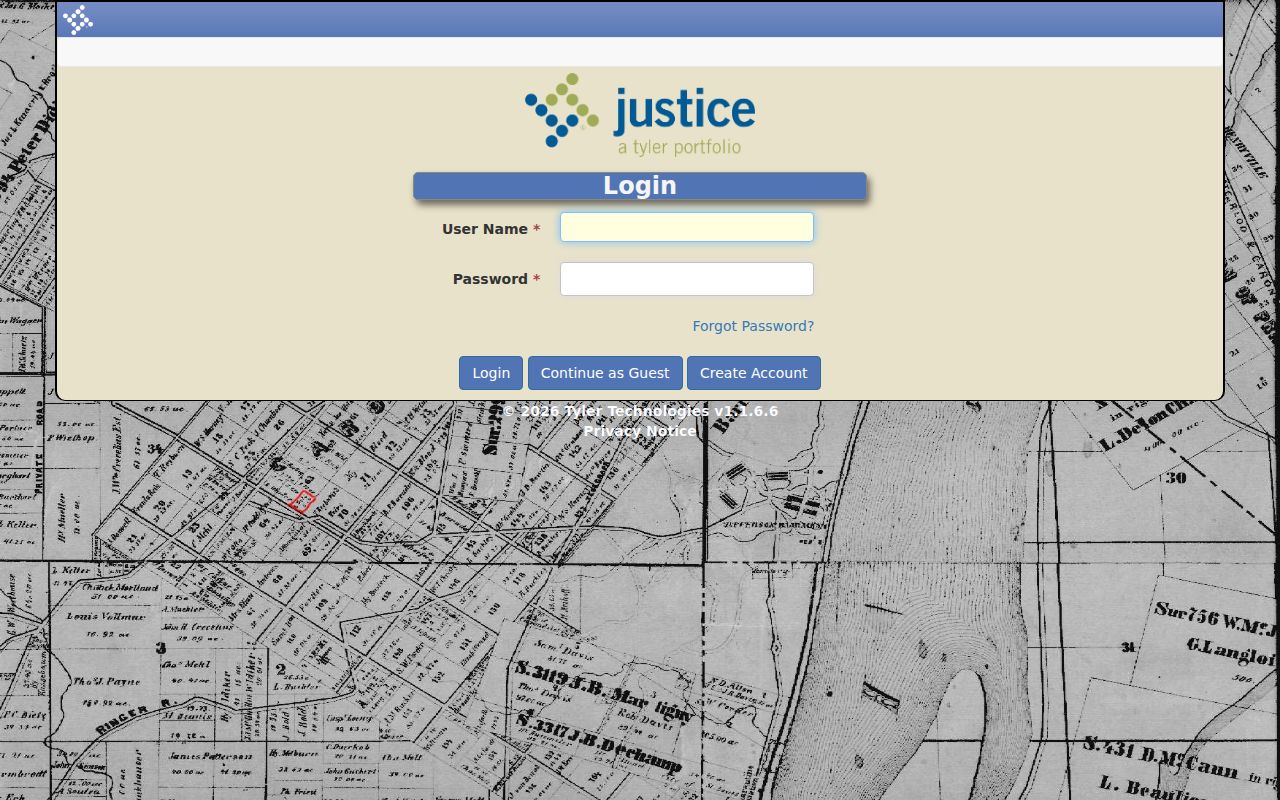
Use Continue as Guest for ordinary index work. Create an account only when the image workflow is needed, and confirm charges before adding funds.
The party-name form itself shows Newton’s required name field and optional narrowing tools. The official Party Name route is the source for this capture.
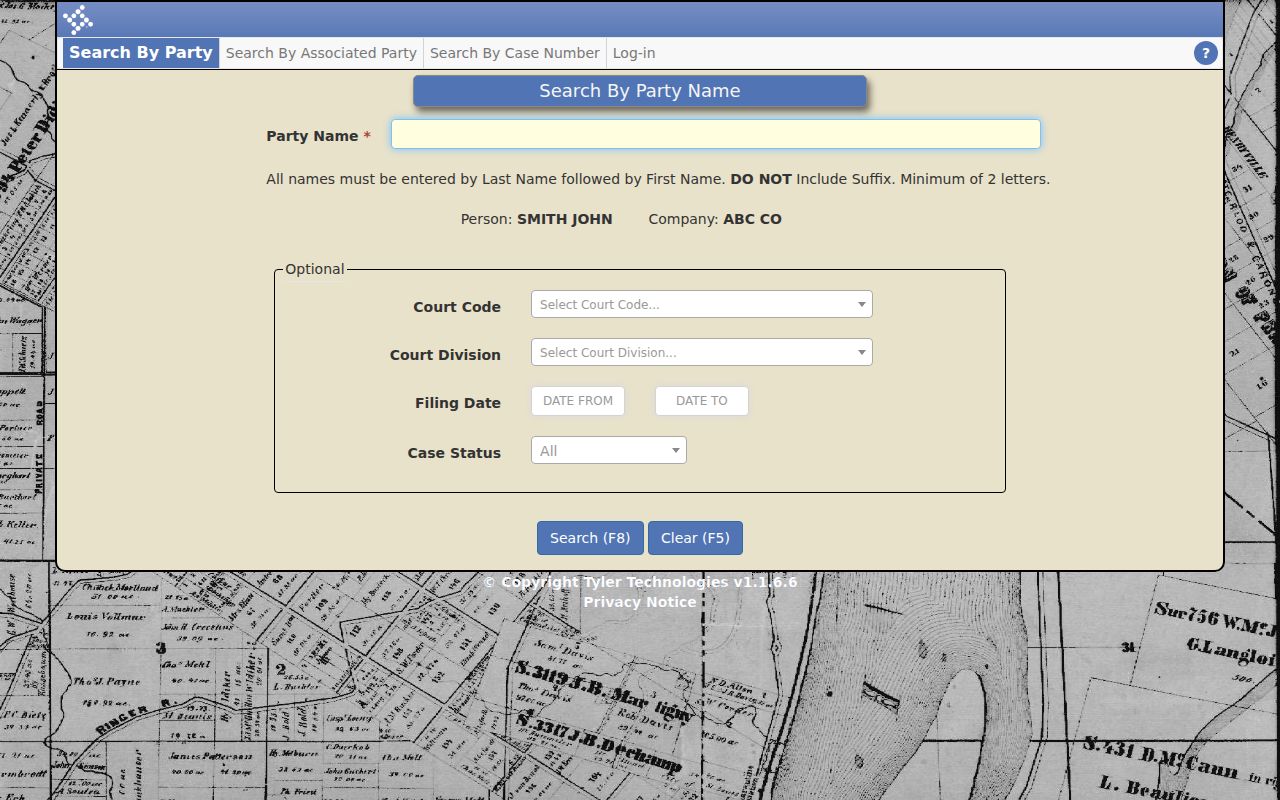
Those controls support a focused search without implying that every division or status option is fixed forever. Check the live dropdowns before documenting a value.
A new account asks for contact details, a user name, and a password confirmation. The user name has a ten-character maximum. The password must be at least eight characters, is case sensitive, and must contain upper and lower case letters, a digit, and a special character. These account rules do not change the guest search syntax or grant image rights by themselves.
Result pages report a count, support pagination, and let a user change how many matches appear. Open one result at a time and compare its court, division, filing date, and status with the known facts. Common names can produce several plausible rows. An index match should narrow the record, not support assumptions about identity.
Saving Newton Search Metadata
Four fields make a later records request easier: case number, court or division, filing date, and displayed status. Save the exact party spelling too. If a proceeding is relevant, note its date and entry text. This small record lets Clerk staff distinguish close matches and locate a document that is not visible through the guest view.
A status label is an index filter, not a legal conclusion. The live dropdown options were not exposed in the public crawl, and a displayed category may lag a recent filing. Likewise, a filing date is not the hearing date. Hearing settings should be checked against the official Alcovy calendar, the assigned judge’s page, or the notice issued by the court.
The Proceedings tab can connect an index entry to a filing, order, hearing, or disposition. Yet the guide does not promise that every historical document has been digitized. When a proceeding appears without an image, ask for that named item. A narrow request is clearer than asking the Clerk to reconstruct the case from memory.
CMWebSearch also allows an index to be placed in a print cart. Image printing without a watermark follows checkout and payment rules, with a 30-day save or print window after purchase. The public instructions do not identify a universal export format or maintenance schedule. Keep a note of the search terms and check the live portal again if service is interrupted.
Access and Restricted Cases
Georgia court records are generally open, but access can be limited by law, confidentiality rules, or a sealing order. Uniform Superior Court Rule 21 governs restrictions on court records, and Rule 21.6 addresses protected identifiers and sealed filings. A missing name or image may reflect a lawful access limit rather than a portal fault.
Juvenile records follow separate confidentiality rules. Requests should go to the proper Juvenile Court custodian, not through an attempt to bypass the public index. For an ordinary Superior file, ask the Clerk whether the document is unavailable online, available only at the counter, or restricted by an order. The Georgia Open Records Act supplies a broad public-access baseline, but Newton County directs court documents to the relevant Clerk rather than its general records channel.
Older records need the same care. The Clerk reports that some office records date to 1821, but that history does not establish complete online coverage. A historical researcher should bring names, date ranges, and record type to the clerk’s counter and distinguish court files from land records maintained by the Real Estate Division.