
How to Get Court Records
The CMWebSearch index is the first channel for Newton Superior civil and criminal matters. Search as a guest, identify the case number and proceeding, then use an approved account for available images. For a counter request, visit the Clerk in Room 338 at 1132 Usher Street, Covington, or call 770-784-2035. The office lists weekday hours of 8:00 a.m. to 4:45 p.m. Mail and fax may be accepted for suitable requests, but availability and cost should be confirmed first.
The official Clerk staff page supplies the office details shown here.
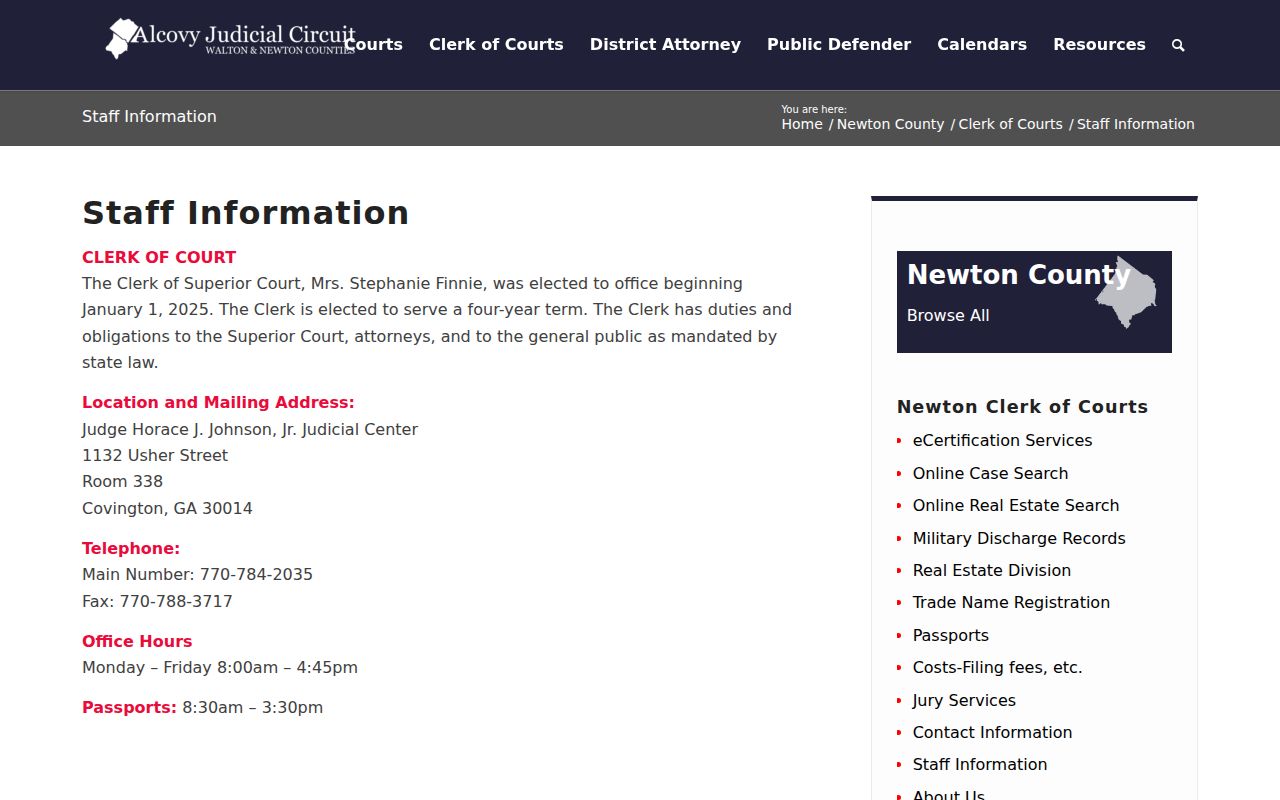
The posted passport appointment window is separate and should not be mistaken for the records desk’s general hours.
- Identify the case and exact document needed.
- Choose CMWebSearch, the counter, mail, or eCertification.
- Give the case number, party name, and proceeding date.
- Confirm and pay the quoted copy or certification charge.
- Review the received copy for the requested pages and authentication.
Three Newton Record Levels
An index answers which case exists and what proceedings are listed. A document image shows the pleading, order, or judgment itself. A certified copy adds authentication by the custodian. These products are not interchangeable. Begin with the free index, note the exact proceeding, then ask for only the document and certification level needed.
| Level | What it supplies | Access path |
|---|---|---|
| Index | Case and proceeding data | Guest CMWebSearch |
| Image | Filed document | Approved account or counter |
| Certified copy | Authenticated document | Clerk or eCertification |
Types of Court Records
Superior civil files may contain complaints or petitions, summonses, service returns, answers, motions, affidavits, orders, judgments, notices, and appeal papers. Criminal files can include citations where applicable, accusations, indictments, pleadings, and later proceedings. Magistrate, Probate, Juvenile, and city files remain with their respective courts. Juvenile access is restricted by confidentiality law.
Land records are different. The Clerk’s Real Estate Division handles deeds, liens, plats, UCC or BPA records, partnerships, and hospital liens. Its history reaches back to 1821, but that does not mean all historic court files appear in CMWebSearch.
- [RECORD TYPE 1 - e.g. case files and docket sheets]
- [RECORD TYPE 2 - e.g. judgments and orders]
- [RECORD TYPE 3 - e.g. criminal case records]
- [RECORD TYPE 4 - e.g. civil and family records]
- [RECORD TYPE 5 - e.g. probate and estate records]
Newton eCertification Workflow
Newton eCertification offers a remote path for eligible certified documents. A requester uses a GSCCCA universal account, starts a new request, selects Newton County and a document type, completes the required fields, and submits. The Clerk processes the request. When its status reaches Awaiting Payment Final Authorization, the requester approves payment and later receives an authentication link to a secured PDF.
The Newton entry page documents the service shown below.
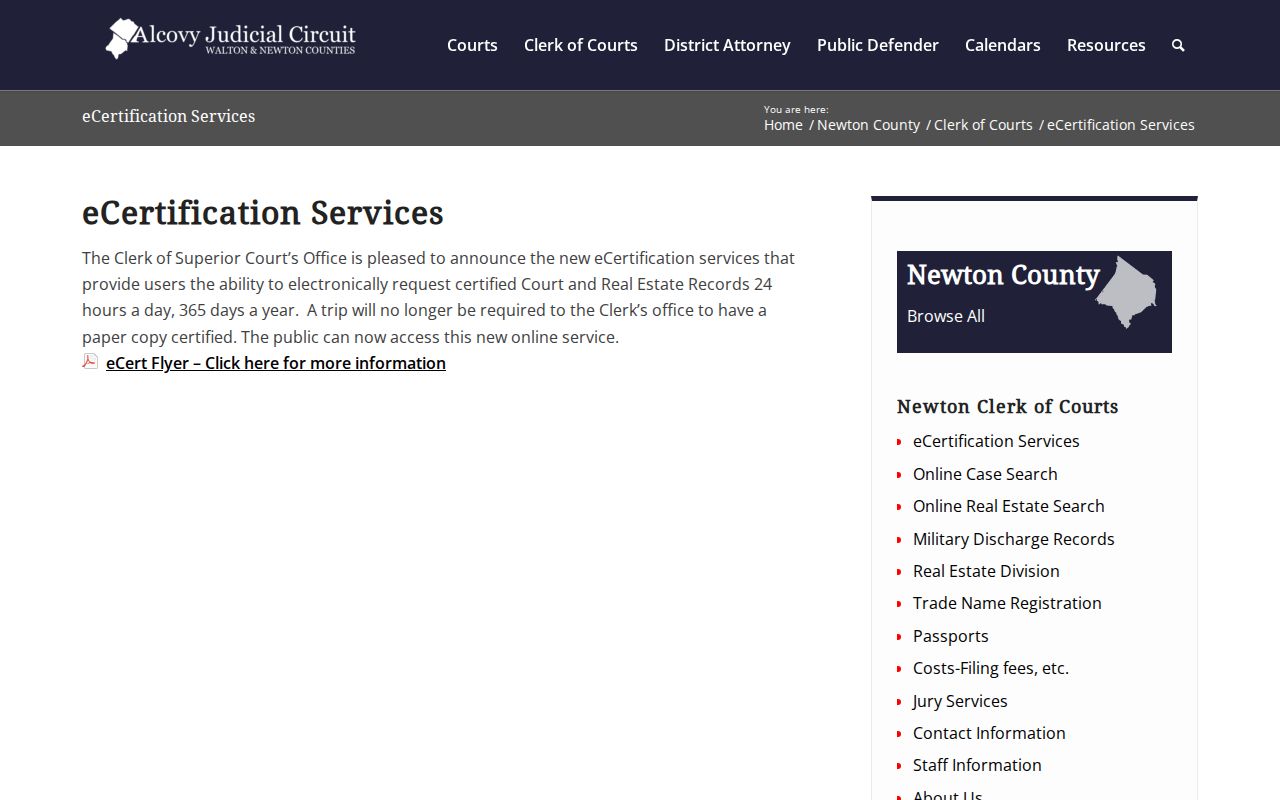
The secured PDF is tamper-evident and self-validating. The source confirms that requests may be started around the clock, but it does not promise a completion time.
What a Court Record Contains
A docket is the chronological signpost, not the full file. Its header commonly identifies the case number, caption, filing date, court or division, and status. Proceedings then mark filings, hearings, orders, or dispositions. The document file can supply the actual content behind an entry, subject to image availability and access rules.
| Case Number | The exact court identifier |
|---|---|
| Pleadings | Petitions, complaints, motions, and answers |
| Orders & Judgments | Signed court rulings and outcomes |
| Docket Sheet | Chronological proceeding entries |
| Exhibits | Filed attachments where publicly available |
Newton Document Image Gap
An index result does not promise a viewable image. CMWebSearch requires an approved account for images, and the guide describes cart payment for unwatermarked printing. If a needed filing has no usable link, save its case number, proceeding date, and entry text. Ask the Clerk whether it can be viewed at the counter, ordered by mail, or requested through eCertification.
The public materials do not state a universal per-image online price or guarantee that every historic file is digitized. Confirm the live charge before funding an account. A missing image can reflect digitization limits, account status, or a legal restriction.
The Clerk’s civil division files, processes, stores, retrieves, and maintains Superior civil matters and appeal records. Its criminal division maintains misdemeanor and felony files, citations when applicable, accusations, indictments, and pleadings. Those descriptions help frame a request. Ask for a named pleading, order, docket index, or appeal item rather than using an unclear label.
Appeal packets can involve record preparation, transcripts, and separate charges. A transcript is not guaranteed to be part of the clerk’s ordinary image set, and exhibits may have access or format limits. Confirm which office holds each component before paying. Federal litigation involving Newton County also leaves this system. District and bankruptcy dockets are searched through PACER or the relevant federal clerk, not CMWebSearch.
Open Records and Clerk Charges
Newton County’s general Open Records page states that court case documents, deeds, and property liens belong with the applicable Clerk. Its ordinary county schedule mentions a free first 15 minutes, a skilled-employee rate after that, ten-cent letter or legal-size copies, estimates over $25, and a three-business-day response framework. Those general figures must not be substituted for a Superior Clerk’s statutory case-copy or certification charge.
Route the request first. A general county office should not be asked to create a case summary from court data. For Superior records, contact the Superior Clerk. For a Covington disposition, use the city court process. For Probate, Magistrate, or Juvenile material, contact that court’s custodian and respect any confidentiality boundary.
Personal checks are not among the Clerk’s listed payment methods. Cash, money orders, attorney checks, and business checks are listed for covered services. Mail requesters should confirm the total, acceptable payment form, return-postage needs, and whether certification is available before sending funds.
Certified Copies and Fees
A plain copy reproduces the filed page. A certified copy carries the Clerk’s authentication and may be needed where another office requires official proof. Newton’s posted schedule distinguishes self-service, assisted, certified, faxed, and computer printout charges. Personal checks are not accepted; listed options include cash, money orders, attorney checks, and business checks.
The official fee page is the source for the schedule and capture below.
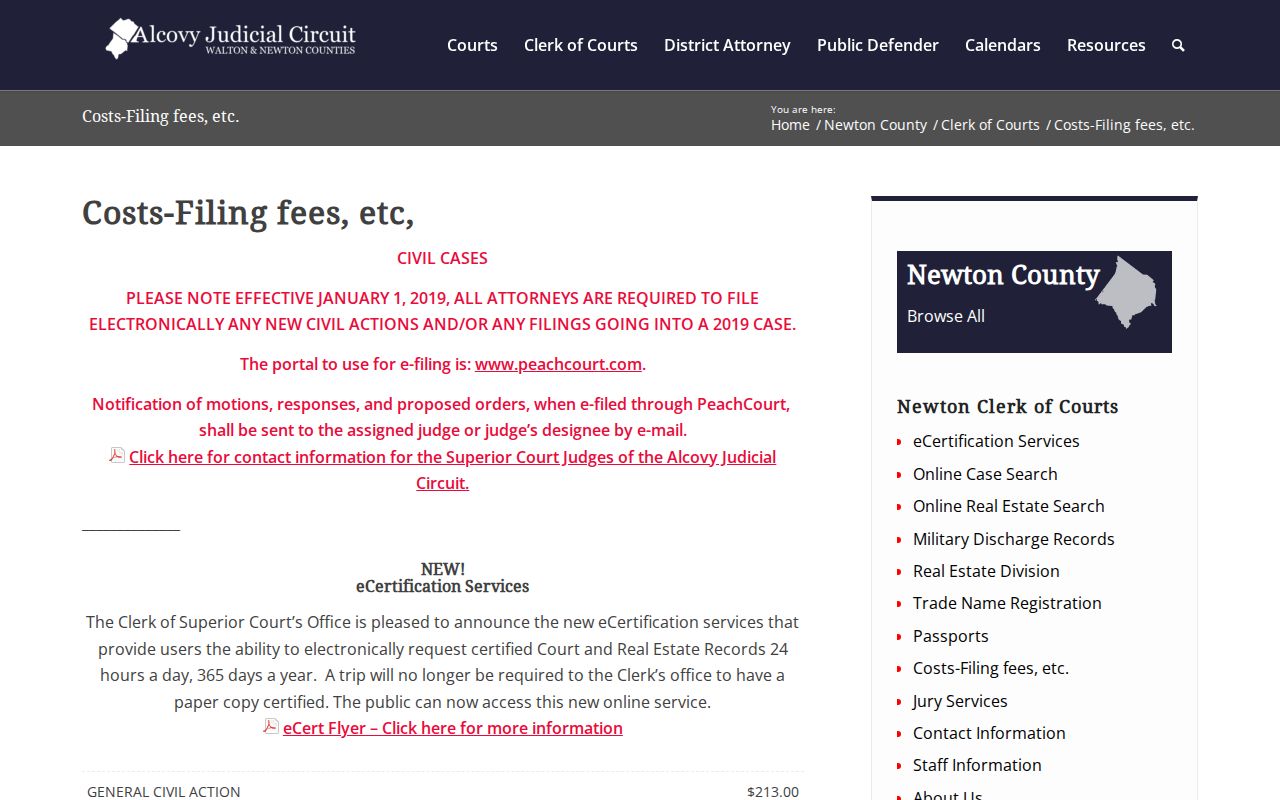
Fees can change, and the page notes that the office generally does not fax copy requests. Confirm the total before ordering.
| Item | Amount |
|---|---|
| Unassisted copy | $0.50 per page |
| Assisted copy | $1 per page |
| Certified copy | $2.50 first page |
| Faxed copy | $2.50 first page, then $1 per page |
| Computer printout | $2.50 |
| Pending action or unsatisfied judgment certificate | $3 |
Newton Clerk of Superior Court
1132 Usher Street, Room 338
Covington, GA 30014
770-784-2035
Universal Account Record Requests
The GSCCCA eCertification portal combines account access, county selection, request tracking, and authentication-code lookup.
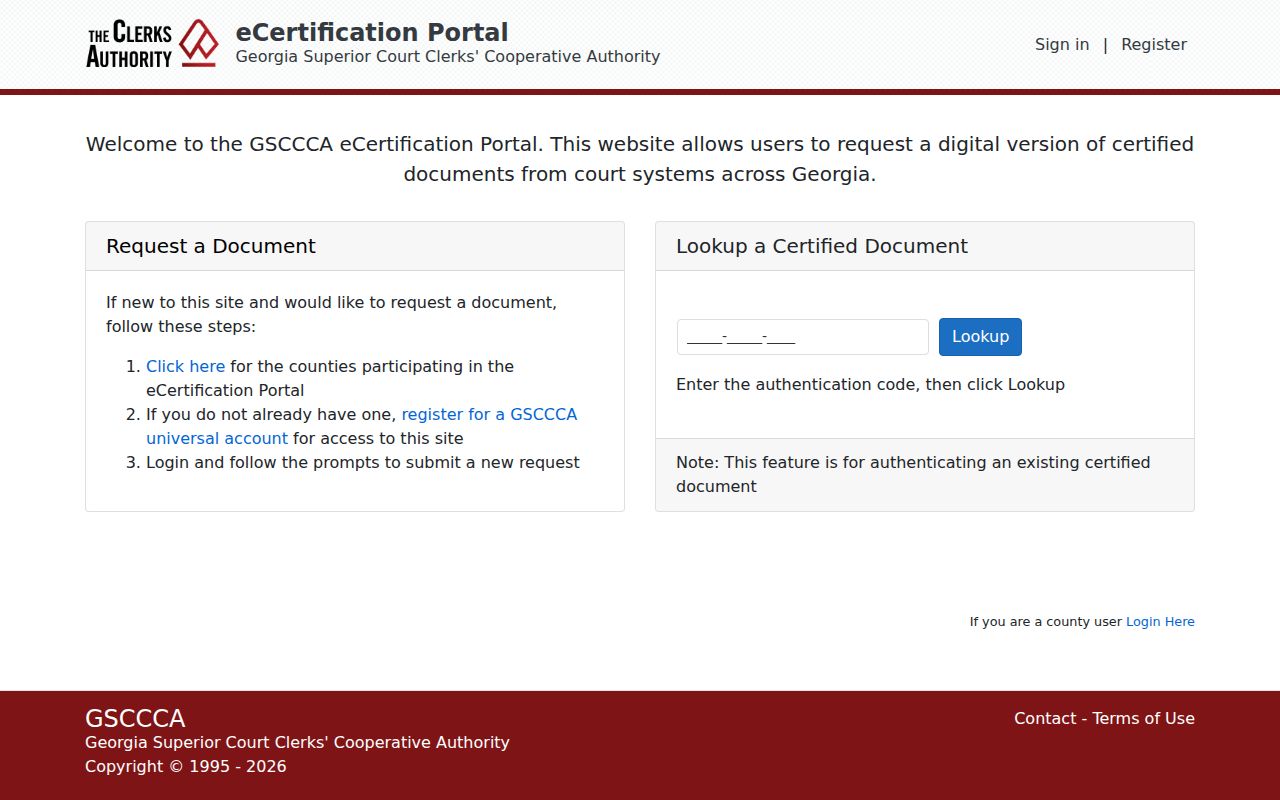
Choose Newton County deliberately. The statewide service carries the request, but the Newton Clerk remains the processing custodian for an eligible Newton Superior document.
Public Access and Sealed Records
The Georgia Open Records Act sets a broad access baseline, but Newton County directs court files to the applicable Clerk. Uniform Superior Court Rule 21 governs court-record restrictions, and Rule 21.6 addresses protected identifiers and sealed material. Juvenile records have separate statutory safeguards.
Do not ask the county’s general open-records office to create a court summary. Give the proper court custodian a case number and document description. If access is denied or an entry is hidden, ask whether the cause is a sealed order, confidentiality rule, protected identifier, or an online-image limit. Public status never authorizes disclosure of information protected by law.
Key Rules:
Georgia Open Records Act - establishes the broad public-record access framework.
Uniform Superior Court Rule 21 - governs restrictions on Superior Court records.
Georgia juvenile confidentiality guidance - explains limits that apply to juvenile records.